
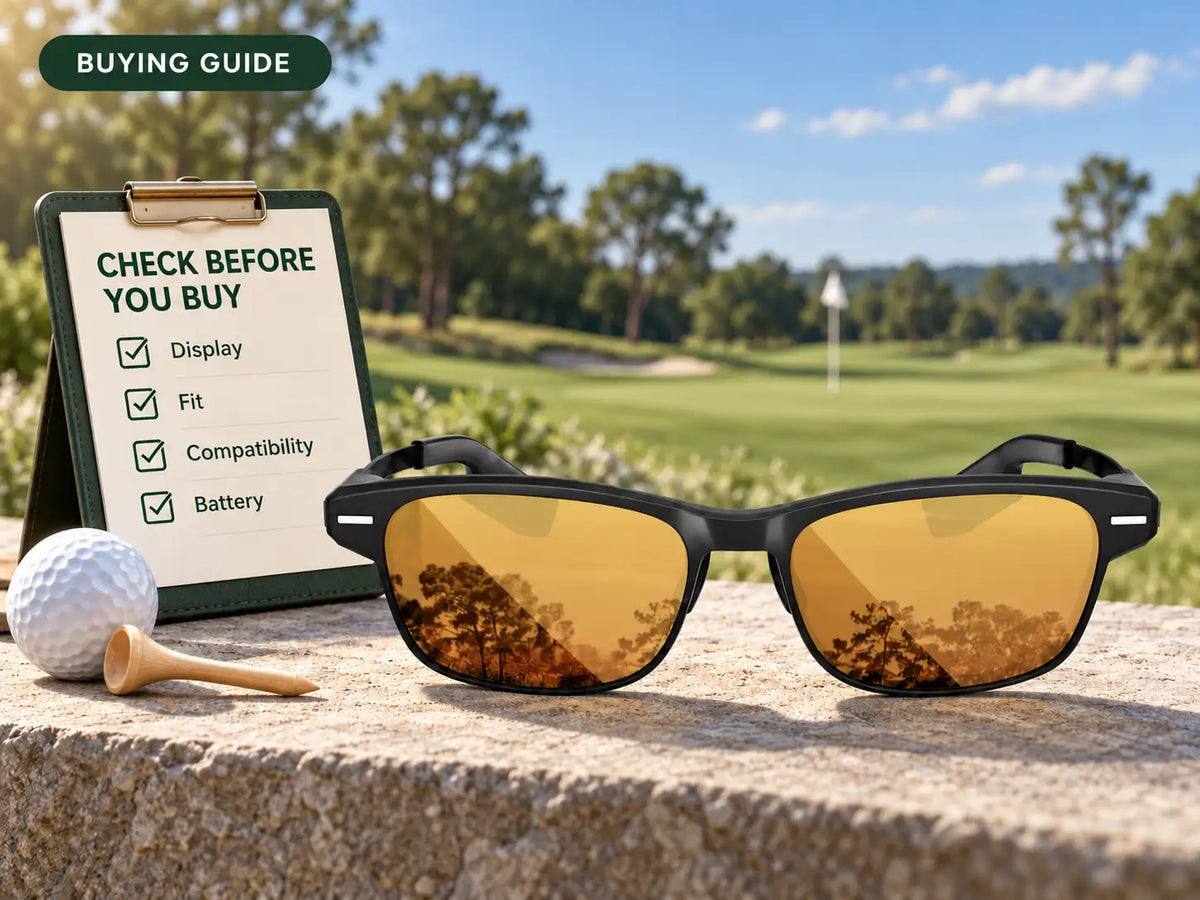
Start by checking which golf information the glasses display and what devices they need to provide it. Then compare outdoor readability, fit, prescription options, controls, battery use, course coverage, and support. A useful buying decision comes from matching a tested setup to your round, rather than choosing the model with the longest feature list.
Two product pages can promise course maps, voice control, and an AI caddie while describing different experiences. One may show a number in the lens; another may require opening a phone map first. A feature can also depend on hardware sold separately.
Use the same questions for every candidate, and keep track of what you've actually seen working.
Define Your Main Use Before Comparing Models
Write down the job you want the glasses to do:
- On the course: Check green distances, hazards, or selected shot information before hitting.
- During practice: View results from a compatible launch monitor after a shot.
- Beyond golf: Use supported audio, calls, or other everyday functions.
Choose a primary use and identify two or three functions essential to it. That gives you a way to filter candidates before comparing extras.
Ask what happens from start to finish. “Shot data” could describe information produced by a separate monitor. “AI caddie” doesn't explain which inputs support a recommendation. Have the seller demonstrate the task, including any phone interaction.
Compare the Display in Real Conditions
Outdoor Readability
Read actual yardages against grass in sunlight, then move into shade. Look for small labels as well as the largest number. You need to distinguish a bunker carry from a green distance without repeatedly searching the screen.
Try the normal brightness setting and any adjustment you expect to use. A peak-brightness specification alone doesn't establish how readable the display will be for you.
Screenshots can confirm which information appears, but they can't reproduce the full wearing experience. If you only have an indoor demonstration, keep outdoor readability marked as untested.
Field of View and Focus
Ask what the quoted field of view describes and where the display sits when the glasses fit correctly. Compare the amount of information shown and whether you can take it in comfortably.
Switch your attention between the display, a ball on the ground, and a distant target. Notice whether you need to reposition the frame or adopt an awkward head angle to recover the text.
Also try dismissing the information. The transition from checking a yardage to preparing for a swing is part of the display experience.
Check Fit and Vision Compatibility
Wear your usual cap, look down, turn toward a target, and make practice swings. Check the bridge of the nose, pressure along the temples, and movement when you change posture.
Ask which adjustments are available. Nose-pad height, temple fit, display position, and focus aren't interchangeable settings. Find out what can actually be changed on the model you're trying.
For prescription use, confirm your particular configuration before ordering. Ask who supplies the lenses, whether fitting is required, and how to handle a problem with either the course view or display readability.
Check lens properties separately. Visible-light transmission concerns how much visible light passes through. UV protection and polarization describe different properties; polarization can reduce reflected glare without establishing UV protection. Look for the stated UV protection of the specific lens option. Color and darkness don't establish it.
Verify Golf Data and Course Coverage
Use a course you know as the test case. Ask to see the exact features you want there: green distances, mapped hazards, the hole view, pin-position controls, or putting information.
A course being listed doesn't establish that every feature is available. A GPS course database, detailed green contours, and simulator content can have different coverage. Verify each function separately, especially for courses you play regularly.
Read the distance labels. Is the number for the green center, a mapped hazard point, or a selected pin position? Ask how the pin is updated and which device supplies the position used for the calculation.
For AI suggestions, request a concrete example. What information produced the recommendation? Does it use personal club data or a default assumption? The name of the feature shouldn't be your only evidence of what it does.
Test Controls and Connected Devices
Run one short task: open the relevant golf view, find a hazard distance, change the displayed information, and hide it. Try each step with a glove on.
If voice control is important, test outdoors and find out which commands are supported. If you prefer quieter interaction, check the available gesture or manual alternative. Notice how calls and notifications appear as well.
Record your phone model and operating-system version. Confirm compatibility with that combination, which permissions the chosen functions require, and whether additional hardware is needed.
Bluetooth pairing and internet access are separate questions. Ask what works without mobile data and what changes if the glasses lose their phone connection. Identify which results are calculated on the phone and which need an online service. For practice, confirm the compatible launch monitor and the shot results that can appear in the glasses.
Our guide to how AR golf glasses work explains how connected data reaches the display.
Check Battery Claims Against Your Round
Match the advertised runtime to the way you intend to use the product. Continuous display, occasional yardage checks, voice interactions, practice sessions, and standby describe different workloads.
Confirm the charging method, whether the necessary cable or case is included, and what happens when the battery needs service. Extra charges stored in a case don't extend uninterrupted use while the glasses are on your face.
Include the connected phone's battery in your trial. Record the settings and elapsed time so the result means something when you compare another model.
Compare Total Cost and Ownership Support
Request a quote for your chosen configuration, including required lens work, accessories, and paid software. Keep optional additions separate from what you need for the primary task.
Then read the support terms. Confirm when the return period starts, which conditions apply after a reasonable trial, and how prescription components are treated. Check warranty coverage, repair arrangements, and who pays shipping for different types of return.
Ask how app and glasses updates are installed and where to get help with a connection problem. A warranty period doesn't establish how long a company promises software updates.
Use this ten-point record for each candidate. Mark items as personally tested, documented, or awaiting confirmation, and keep the supporting information.
| Check | Evidence to record |
|---|---|
| 1. Required golf views | Screens showing your essential information |
| 2. Course coverage | Confirmation of the features available at your courses |
| 3. Outdoor display | Conditions, settings, and text tested in sun and shade |
| 4. Fit and stability | Adjustments tried with your cap and practice swings |
| 5. Vision and lenses | Prescription compatibility and stated lens properties |
| 6. Controls | Tasks completed using your preferred input method |
| 7. Connected devices | Phone/OS compatibility, permissions, and offline behavior |
| 8. Battery and charging | Runtime conditions, charging equipment, and service options |
| 9. Complete cost | Itemized quote and any recurring charges |
| 10. Ownership support | Current return, warranty, repair, and update information |
Match a Verified Setup to Your Priorities
Rank your requirements before deciding which tradeoffs to accept. A walking golfer might put stable fit, readable yardages, and quick controls first. Someone buying mainly for practice might prioritize launch-monitor compatibility and the exact metrics visible after each shot.
For a public brand example, BirdiLens GV1 lists front, center, and back green distances, hazards, voice and gesture controls, and automatic display management. Its app handles connected settings and course information. A compatible BirdiLens launch monitor supplies practice shot data.
Apply the same checks to that setup: demonstrate your course views, confirm your phone, try your lens configuration, and verify battery conditions. Public feature information starts the comparison; the parts you've tested and confirmed determine whether it meets your requirements.
If you require phone-independent operation, can't obtain a suitable prescription arrangement, or can't read the display comfortably, remove that candidate from your shortlist. Additional features don't resolve those mismatches.
Frequently Asked Questions
Which features matter most in golf smart glasses?
Start with your required golf views, readable display, stable fit, and a compatible connected setup. Battery and support should suit how you plan to use it.
Do all smart glasses display golf yardages?
No. Camera or audio glasses may have no visual display or supported golf software. Confirm that yardages appear in the glasses themselves.
How can I check outdoor display readability?
Try actual numbers and labels in sun and shade while wearing your intended lenses. Check display position and the transition back to viewing the course.
What should I verify about phone compatibility?
Confirm your phone model, operating-system version, required app and permissions, network needs, and what works if the connection drops.
Share:
Should You View Golf GPS Information on Your Wrist or in Your Glasses?